
This article explains how to view your current plan, adjust the number of booked units, and download invoices.
How it works
Viewing your current plan
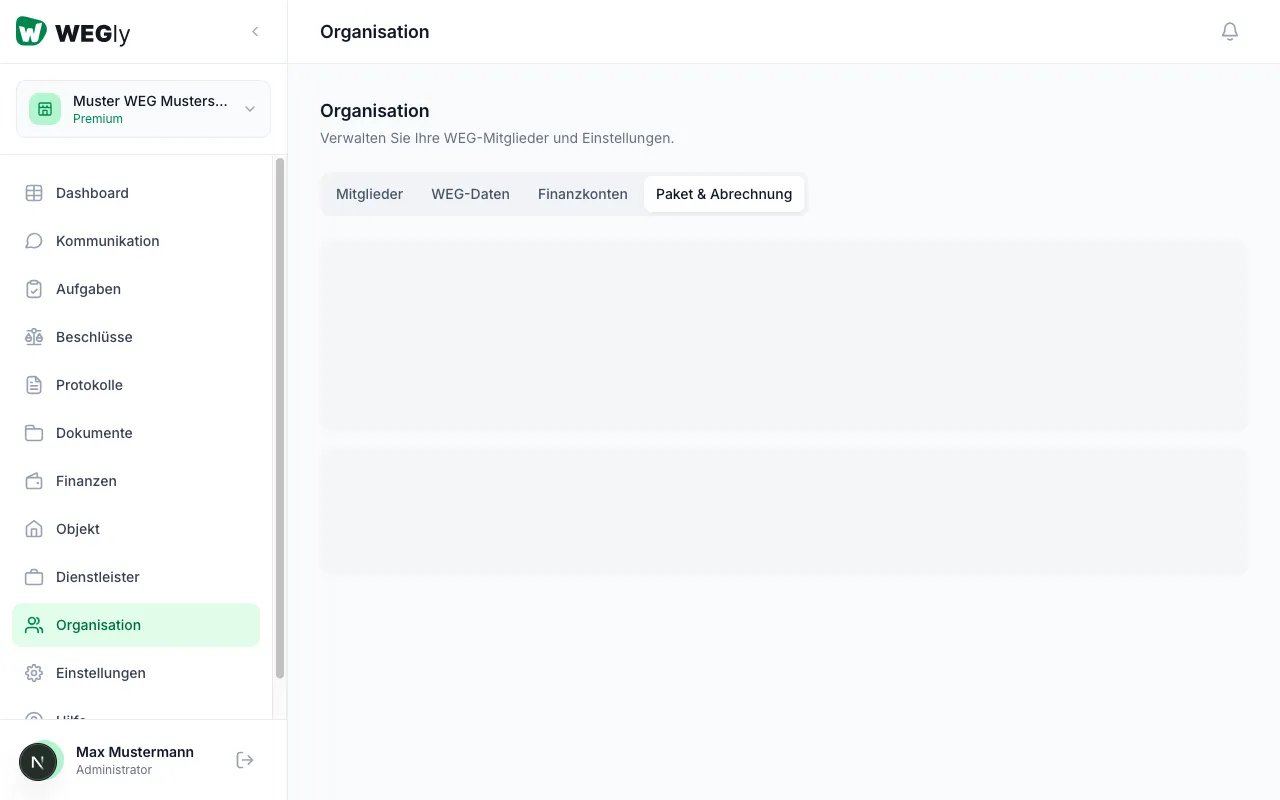
- Navigate to Organization in the sidebar.
- Click on the Plan & Billing tab.
You will see the Current plan overview with the following information:
- Plan: The name of your current tier (e.g. "Premium")
- Price: The monthly cost, calculated from the number of booked units times the price per unit
- Units: The number of currently booked units (e.g. "10 units booked")
- Interval: The billing interval (monthly or yearly)
- Status: Whether the plan is active
Adjusting the unit limit
You can adjust the number of booked units at any time:
- Navigate to Organization, tab Plan & Billing.
- Click Change units.
- Enter the new number of units.
- Confirm the change.
The adjustment takes effect immediately. For an increase, the additional amount is calculated proportionally for the remaining billing period. For a reduction, the new price applies from the next billing period.
Viewing invoices
Below the plan overview, you will find the Invoices section. All previous invoices are listed there. For new workspaces it initially shows "No invoices yet." Once a billing is created, you can view and download the invoice there.
Upgrading or downgrading
WEGly offers different unit sizes. Depending on the number of units in your HOA, choose the appropriate tier:
- 2-3 units: Smallest tier
- 4-6 units: Mid tier
- 7-9 units: Largest tier for small HOAs
Switching between tiers is possible at any time. The adjustment is made via the Change units button.
Tips
- Regularly check whether the booked number of units matches the actual number of active units. Under Property you can see how many units are active.
- WEGly is cancellable monthly. There is no minimum contract.
- With annual billing you receive a 10% discount compared to monthly billing.
Frequently asked questions
Who can manage the plan and billing? Only members with the Administrator role have access to the Plan & Billing tab. Owners and tenants cannot view this area.
What happens if I add more units than booked? WEGly notifies you that the booked number of units has been exceeded. You can continue to use all functions, but should adjust the booked number promptly.
Can I switch from monthly to annual billing? Yes. Contact support at support@wegly.de to change the billing interval. With annual billing you save 10%.