
This article explains when WEGly notifies you by email about tasks and how to control these notifications.
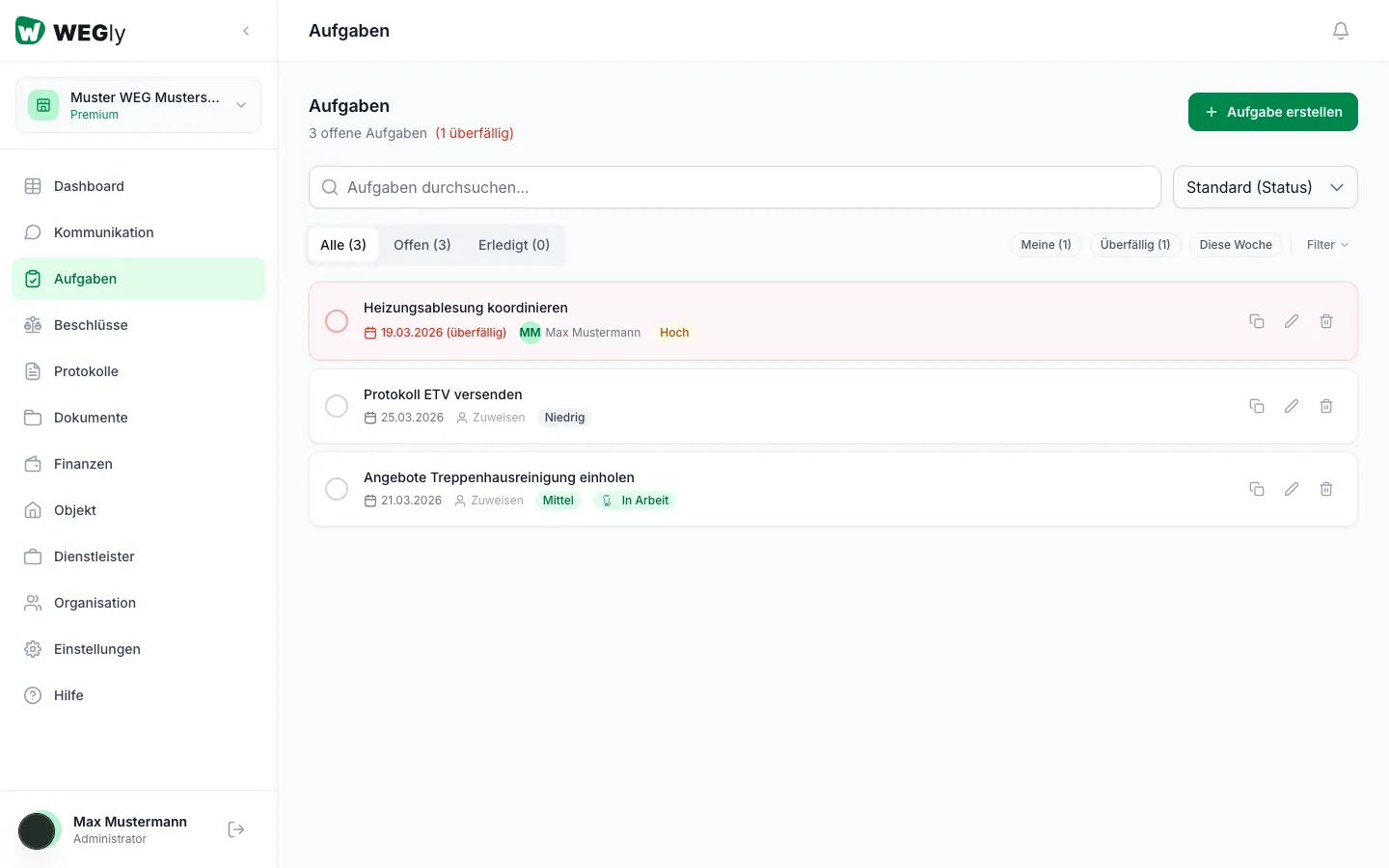
How it works
WEGly automatically sends email notifications for 2 task events:
Task assigned
You receive an email when a task is assigned to you. The email includes the task title and the name of the person who assigned it.
Task due
Shortly before the due date passes, you receive a reminder. This notification helps avoid overdue tasks.
Configure notifications
- Navigate to Settings in the sidebar.
- Click the Notifications tab.
- Scroll to the Tasks section.
- Enable or disable the toggles for Task assigned and Task due.
Choose email frequency
In the same tab, set the Email frequency to either Immediately or Daily summary (9:00 AM). See Configure notifications for details.
Tips
- The Daily summary setting is recommended for most members. All task notifications from the day arrive in a single email.
- As an advisory board member or administrator, Immediately is recommended for Task assigned, so urgent tasks do not wait until the next morning.
- If you do not want task notifications, disable both toggles under the Notifications tab.
Frequently asked questions
Do all members receive a notification when a task is created? No. Only the assigned person receives a notification. Unassigned tasks do not trigger an email.
What happens when I complete a task? Completed tasks do not trigger an email notification.
Do I receive a reminder when a task becomes overdue? WEGly does not send a separate notification for overdue tasks. However, the dashboard tile highlights overdue tasks visually so you can spot them at your next login.