
This article explains how to search for posts on the bulletin board and browse the archive.
How it works
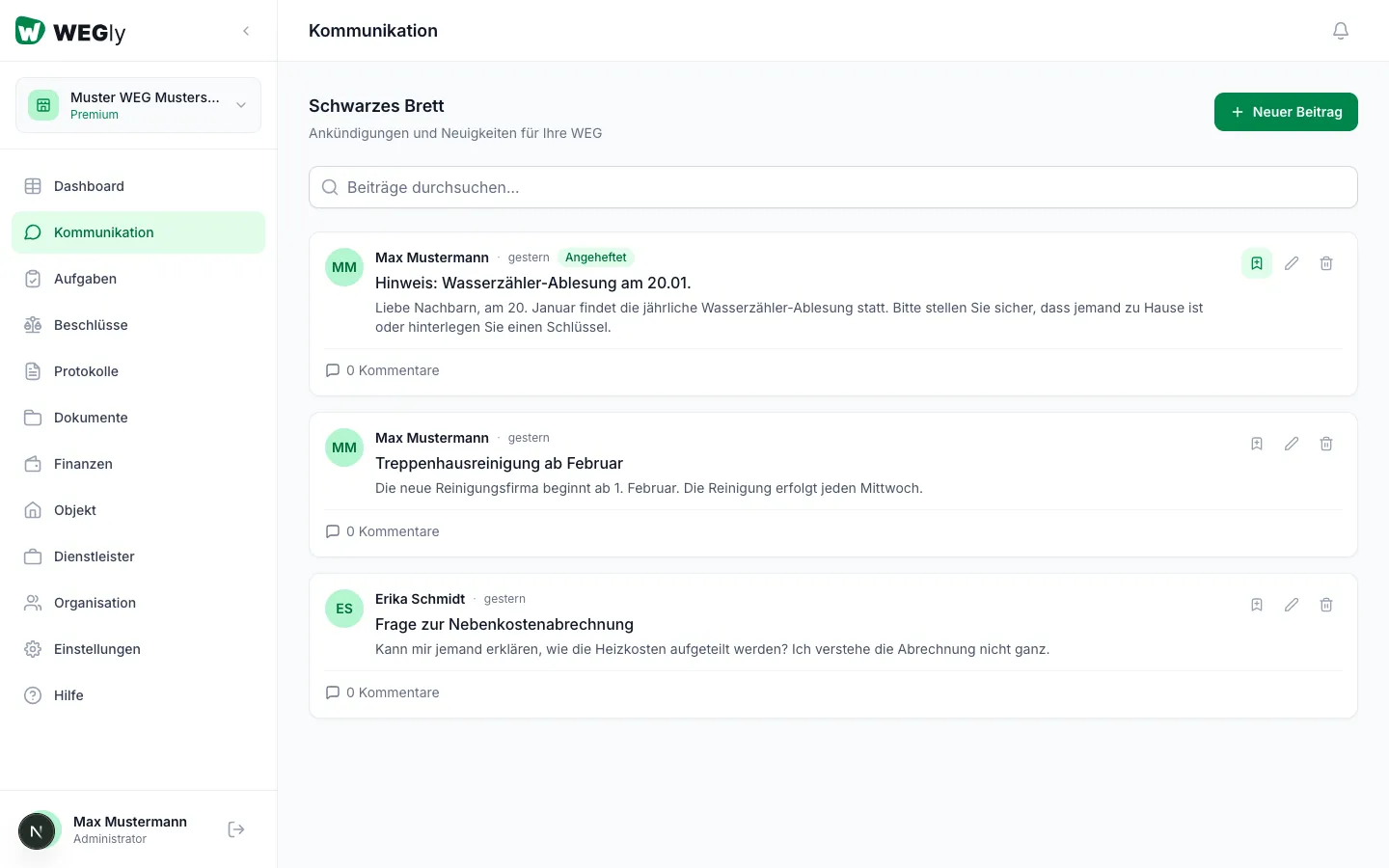
All posts on the bulletin board are stored permanently. You can find older posts using the search function.
Searching posts
- Navigate to Communication in the sidebar.
- Click in the search field Search posts... at the top of the page.
- Enter a search term: title or text content.
- The list filters in real time.
The search covers both the title and the content of posts.
Finding pinned posts
Pinned posts always appear at the very top of the list, regardless of their date. You can recognise them by the Pinned label.
Browsing posts chronologically
Without an active search, all posts are displayed chronologically, newest first. Scroll down to see older posts.
Tips
- The search is not case-sensitive: "heating" also finds "Heating".
- If you open a post from the dashboard, you go directly to that post in the communication view.
- Clear the search term to see all posts again.
Frequently asked questions
Are deleted posts still shown? No. Deleted posts are permanently removed and do not appear in search results.
Can I filter by author? Filtering by author is not currently available. However, the text search covers author name, title, and content.
How many posts are shown at most? The list shows all posts without a page limit. With a large number of posts, it is recommended to use the search to filter by topic rather than scrolling manually through the entire list.